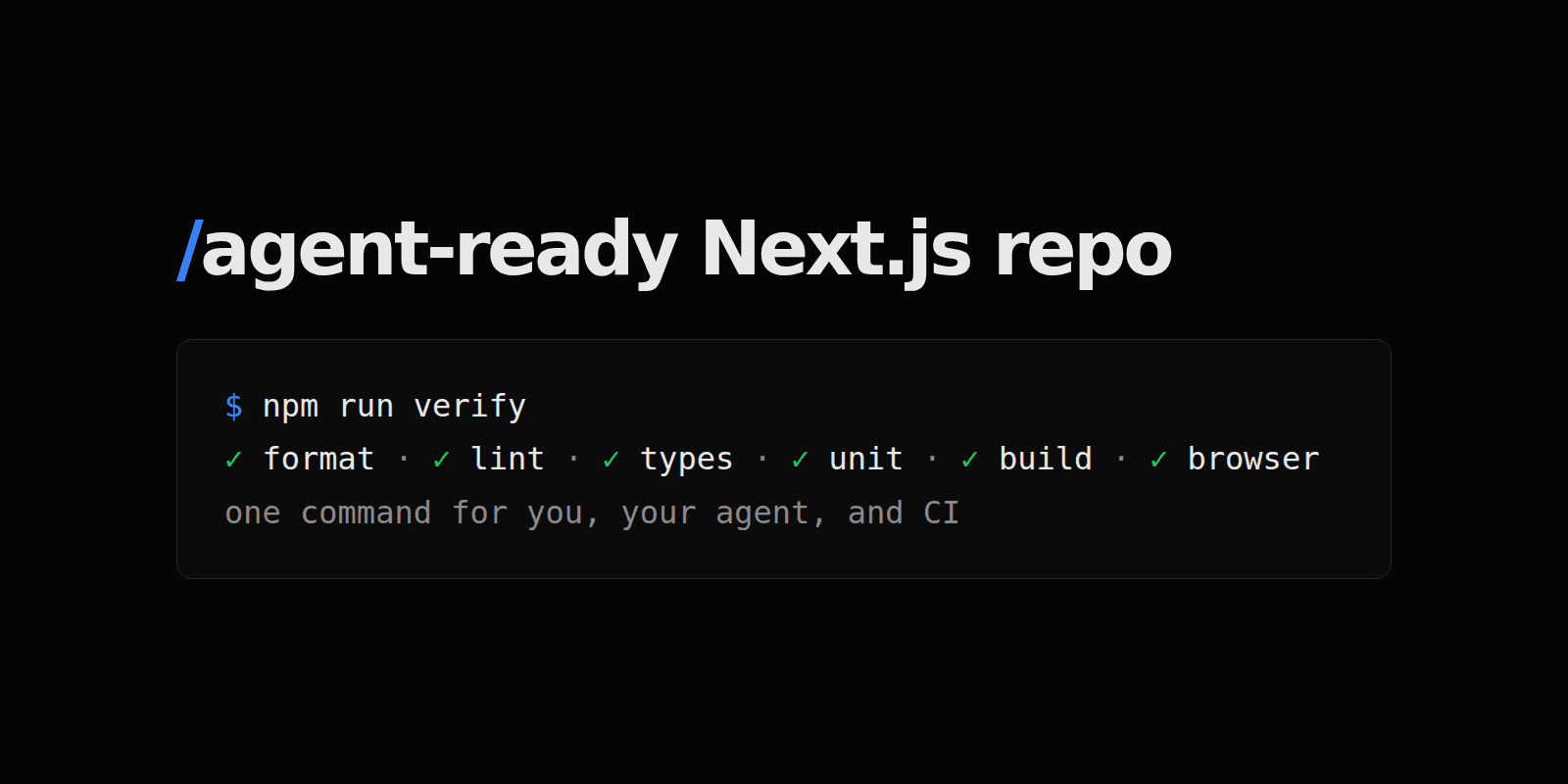
A coding agent is only as good as the feedback the repository gives it. If the only check is "it compiled on my machine", the agent will stop there too.
This guide turns a fresh create-next-app project into one where you, a coding agent, and CI all run the same command and get the same answer. It takes about fifteen minutes.
- For: anyone starting a Next.js app they plan to build with Claude Code, Codex, Cursor, or Copilot
- Tested with: Next.js 16.3.6, Node.js 22, npm 10, Vitest 5.0.2, Playwright 1.63, Prettier 3.9
- Last verified: September 28, 2026
- Shortcut: let your agent do it with the
agent-ready-reposkill
What you already get
npx create-next-app@latest my-app --yes
Current create-next-app writes an AGENTS.md and a one-line CLAUDE.md that points to it. The generated block tells agents to read the docs bundled in node_modules/next/dist/docs/ instead of trusting their training data. That is a genuinely useful default, and next dev re-adds it if you delete it, so keep it and write your own rules underneath.
What the template does not give you is a way to check the work. Out of the box there is lint and build, and nothing else.
The checklist
An agent-ready repository needs five things. Each one closes a gap an agent will otherwise fall into.
- Pinned versions so the agent, CI, and you run the same Node.js and tools.
- One
verifycommand that is the definition of "done". - Unit and browser tests that
verifyactually runs. - Project rules in
AGENTS.mdthat say where things go and when to stop and ask. - CI that runs
verifyand nothing different.
1. Pin the runtime
echo "22" > .nvmrc
npm pkg set engines.node=">=20.9"
If you use pnpm or Yarn, also set the packageManager field so Corepack installs the same version everywhere.
2. Add the tools
npm i -D @types/node@22 vitest prettier @playwright/test
The @types/node@22 part matters. The template ships @types/node@^20, and Vitest 5 depends on a Vite version that wants ^20.19.0 || >=22.12.0, so a plain npm i -D vitest fails with ERESOLVE. That exact failure is the kind of thing an agent will "fix" with --legacy-peer-deps. Bump the types instead.
3. Define "done" as one command
npm pkg set \
  scripts.typecheck="tsc --noEmit" \
  scripts.test="vitest run" \
  scripts.test:e2e="playwright test" \
  scripts.format="prettier --write ." \
  scripts.format:check="prettier --check ." \
  scripts.verify="npm run format:check && npm run lint && npm run typecheck && npm run test && npm run build && npm run test:e2e"
The order is deliberate: cheap checks first, so a formatting slip fails in a second instead of after a production build. The browser tests run last because they start the built app.
Keep formatting output out of the check with a .prettierignore:
.next
node_modules
package-lock.json
playwright-report
test-results
Then run npx prettier --write . once so the starting point is clean.
4. Add one real test of each kind
A test suite with zero tests passes, which teaches the agent nothing. Start with one of each so the wiring is proven.
vitest.config.mts:
import { defineConfig } from "vitest/config";

export default defineConfig({
  test: { include: ["**/*.test.ts"], exclude: ["node_modules", "tests/e2e/**"] },
});
playwright.config.ts:
import { defineConfig } from "@playwright/test";

export default defineConfig({
  testDir: "tests/e2e",
  use: { baseURL: "http://localhost:3000" },
  webServer: {
    command: "npm run start",
    url: "http://localhost:3000",
    reuseExistingServer: !process.env.CI,
  },
});
tests/e2e/home.spec.ts:
import { expect, test } from "@playwright/test";

test("home page renders", async ({ page }) => {
  await page.goto("/");
  await expect(page.locator("main")).toBeVisible();
});
Pair the Vitest side with a small pure function and its *.test.ts file in lib/. Install the browser once with npx playwright install chromium.
Now run it:
npm run verify
You should see Prettier report clean files, ESLint and tsc print nothing, Vitest pass, next build list your routes, and Playwright end with 1 passed. If any step fails, fix it now. An agent that inherits a red gate learns that red is normal.
5. Write the rules agents can't guess
Leave the generated Next.js block at the top of AGENTS.md and add what only your project knows. Keep it short; agents read all of it on every task.
## Project structure

- `app/` holds routes, layouts, and route handlers.
- `components/` holds reusable UI. `components/ui/` is generated; don't edit it by hand.
- `lib/` holds shared, server-safe code. Keep secrets on the server.
- `tests/e2e/` holds Playwright tests. Unit tests sit next to the code as `*.test.ts`.

## Done means verified

Run `npm run verify` before you say a task is finished, and report the result.
Use the focused scripts (`test`, `typecheck`, `lint`) while iterating.

## Rules

- Make the smallest change that meets the requirement. No speculative abstractions.
- Add or update a test for every behavior change.
- Never commit `.env*` files or print secrets.
- Ask before destructive changes, production data changes, or anything sent outside the repo.
The "done means verified" line does most of the work. It turns "I think this works" into "verify passed" or "verify failed at typecheck", which is a report you can act on.
6. Run the same gate in CI
.github/workflows/verify.yml:
name: verify
on:
  pull_request:
  push:
    branches: [main]
jobs:
  verify:
    runs-on: ubuntu-latest
    steps:
      - uses: actions/checkout@v4
      - uses: actions/setup-node@v4
        with:
          node-version-file: .nvmrc
          cache: npm
      - run: npm ci
      - run: npx playwright install --with-deps chromium
      - run: npm run verify
CI deliberately calls verify instead of listing the steps again. When you add a check, you add it in one place, and the agent's local run and CI can't drift apart.
What I left out on purpose
- Git hooks. Useful for humans, but agents often commit in bulk, and a slow hook tempts them to use
--no-verify. If you add one, keep it to formatting and linting staged files. - A component library, database, or auth. Those are product decisions. Add them when a requirement calls for them, not in the starter.
- Long agent instructions. Every line in
AGENTS.mdcosts attention on every task. If a rule only matters for one area, put it in a doc and link to it.
Let your agent do it
The steps above are packaged as an installable skill. It checks what the repository already has, fills only the gaps, and finishes by running verify:
npx skills add bishoymly/skills --skill agent-ready-repo
Then ask: "Make this repo agent-ready."
If you want a reviewed plan that also sets up a shadcn preset, infrastructure adapters, and entry points for several agents at once, Start does that from a single blueprint.